How to make a wedding seating chart, step by step
A good seating chart makes the reception feel easy: people sit with someone they like, nobody hunts for their table, and the caterer knows who ordered the fish. Here's the process wedding planners use, and how to do it in minutes instead of evenings.
Step 1: Wait for (most of) the RSVPs
Seat people who are actually coming. Start the room layout early, but do the seating two to three weeks before the wedding, once most RSVPs are in.
Step 2: Get the guest list into shape
You need, for every guest: name, who they came with, and which circle they belong to. Add meal choices and children if the caterer needs them. Paste the list into the editor or upload your spreadsheet or The Knot / Zola export. Our guest list template has the right columns.
Step 3: Sketch the room with the venue's floor plan
Ask the venue for its layout and table sizes. Place the head table first (or the sweetheart table), then the dance floor, bar, DJ and cake, then the guest tables. A 60-inch round seats 8 to 10; banquet tables take about one guest per two feet on each side.
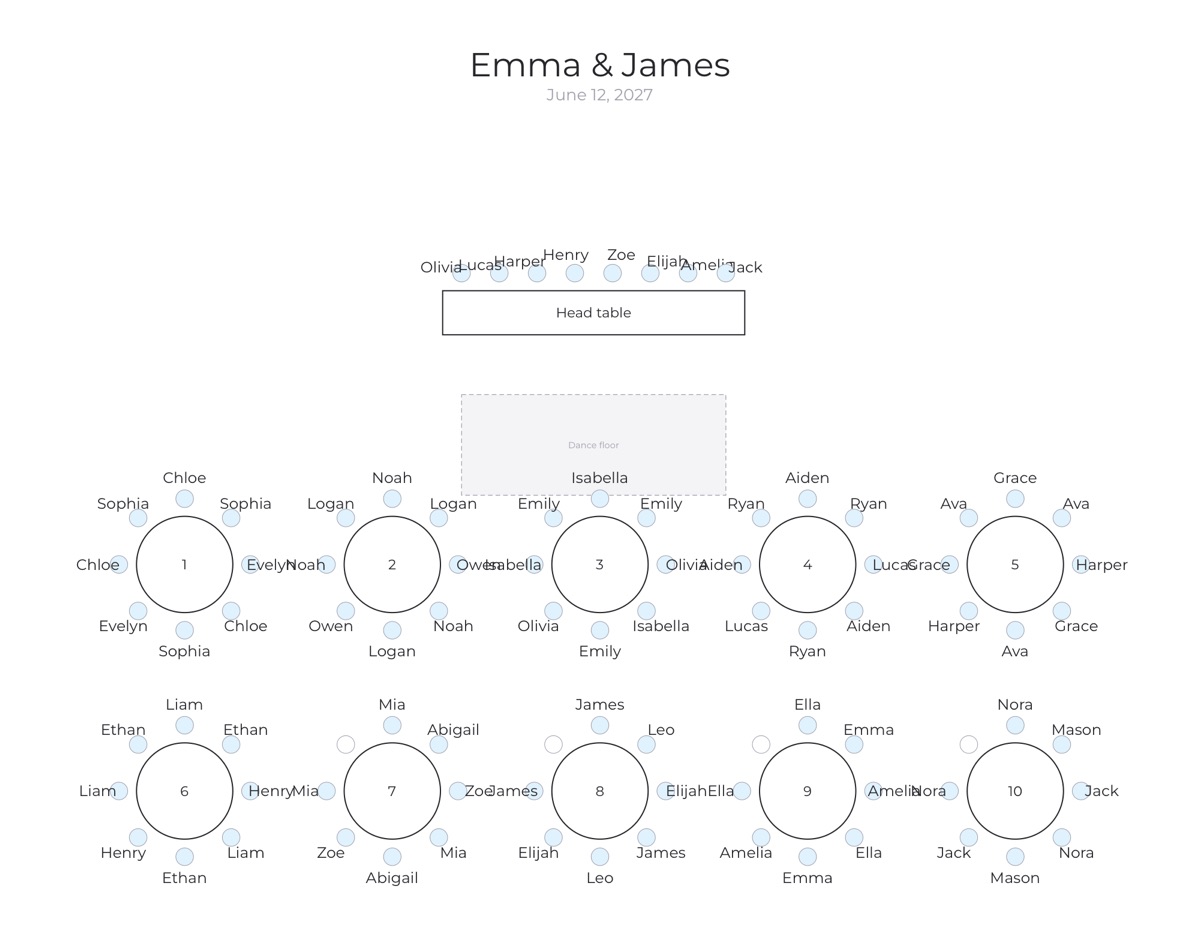
Head table, sweetheart table or neither
A head table is one long table facing the room, usually for the couple and the wedding party; in the UK it's called the top table. Seat the couple in the middle, then alternate the wedding party outwards, and give their partners a table close by rather than leaving them alone. A sweetheart table for just the two of you frees the wedding party to sit with their own dates. With a small wedding, skipping both and sitting with family is fine too.
Step 4: Place the VIPs
Parents and grandparents go closest to the head table, where they can see the toasts and the first dance. Guests with mobility needs go near the exit and the restrooms. Keep older guests away from the speakers.
Step 5: Group by household, then by circle
Couples and families sit together. Then cluster circles: college friends, work friends, the neighbors from home. Mix circles at a table only where people have something in common.
Step 6: Write the conflicts down
Every family has them. Write each one as a rule instead of keeping it in your head:
- Keep apart: exes, feuding relatives.
- Sit together: friends who only know each other.
- Sit at table: grandparents at table 1, the wedding party at the head table.
Step 7: Fill the tables
By hand, place one group per table before you add a second to any table. This keeps tables balanced. In the editor, press Auto-seat: it does exactly this, follows every rule, and lists anything that can't be met with the reason (for example, two guests marked “keep apart” who are also in the same household).
Step 8: Walk each table once
Read every table and ask two questions: will anyone here be alone? Would anyone here rather be somewhere else? Drag guests to fix it, and lock the seats you're sure about so later changes don't move them.
Step 9: Print and share
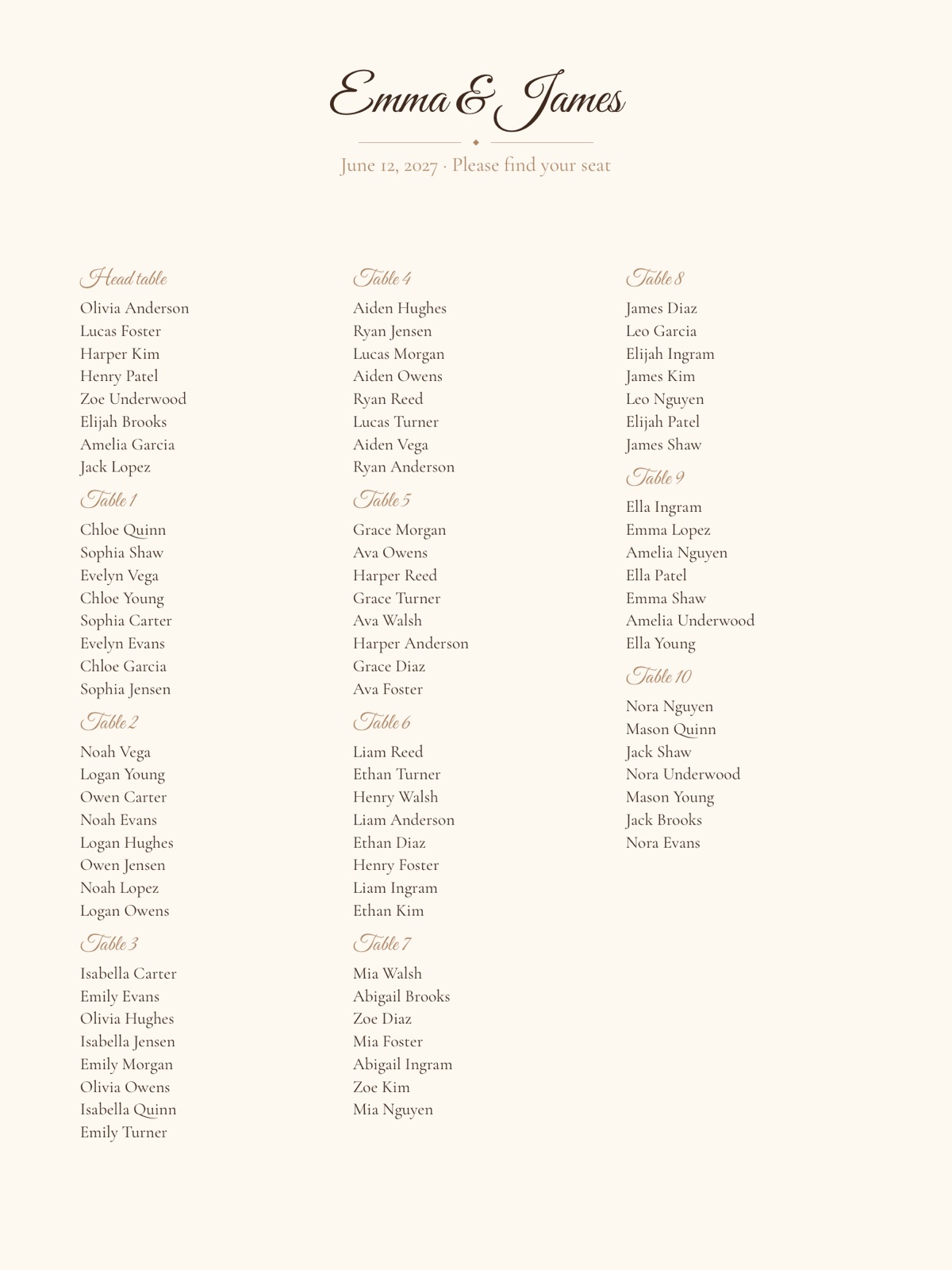
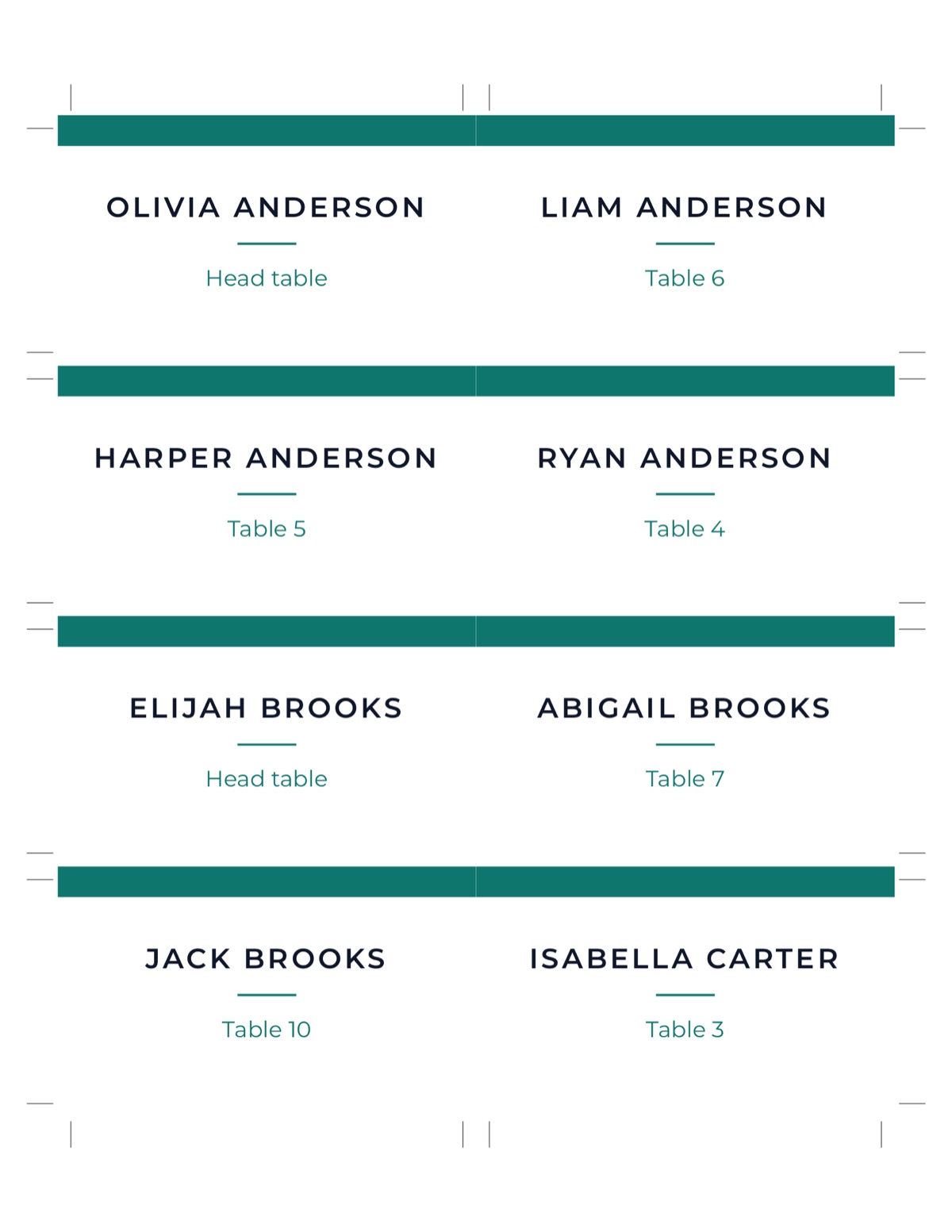
Choose how guests find their seats: a seating chart poster at the entrance (18×24 or 24×36 inches), escort cards on a table, or both. Add table numbers, and place cards if you assign seats. Send the venue a floor plan and the caterer a meal list. A Find my seat QR code on a small sign lets guests look up their table on their phone.
A checklist before you print
- Everyone who RSVP'd yes has a seat, and no table is over capacity.
- Couples and families are together; children are with their parents.
- Every “keep apart” is respected.
- The head table and VIP tables match the floor plan the venue has.
- Names are spelled the way guests spell them.
Ready? Open the wedding seating chart maker. Planning and a basic poster are free; you pay once only for premium styles, cards and the guest page. Start with the guest list, add a few rules for the people who must sit together or apart, then let auto-seat fill the tables and adjust the result by hand. When the plan is final, print matching place cards from the same list.