Wedding place cards from your guest list
Writing 120 place cards by hand takes an evening; fixing typos takes another. Here the cards are generated from the same guest list as your seating chart: every name spelled once, every card in the same design, and a reprint takes seconds if someone changes their RSVP.
How it works
- Add your guests. Paste names from a spreadsheet or upload the list from The Knot or Zola.
- Seat them. Arrange the tables and press Auto-seat, or drag guests by hand.
- Choose a design. Classic, Script, Modern or Minimal, all matching the poster and table numbers.
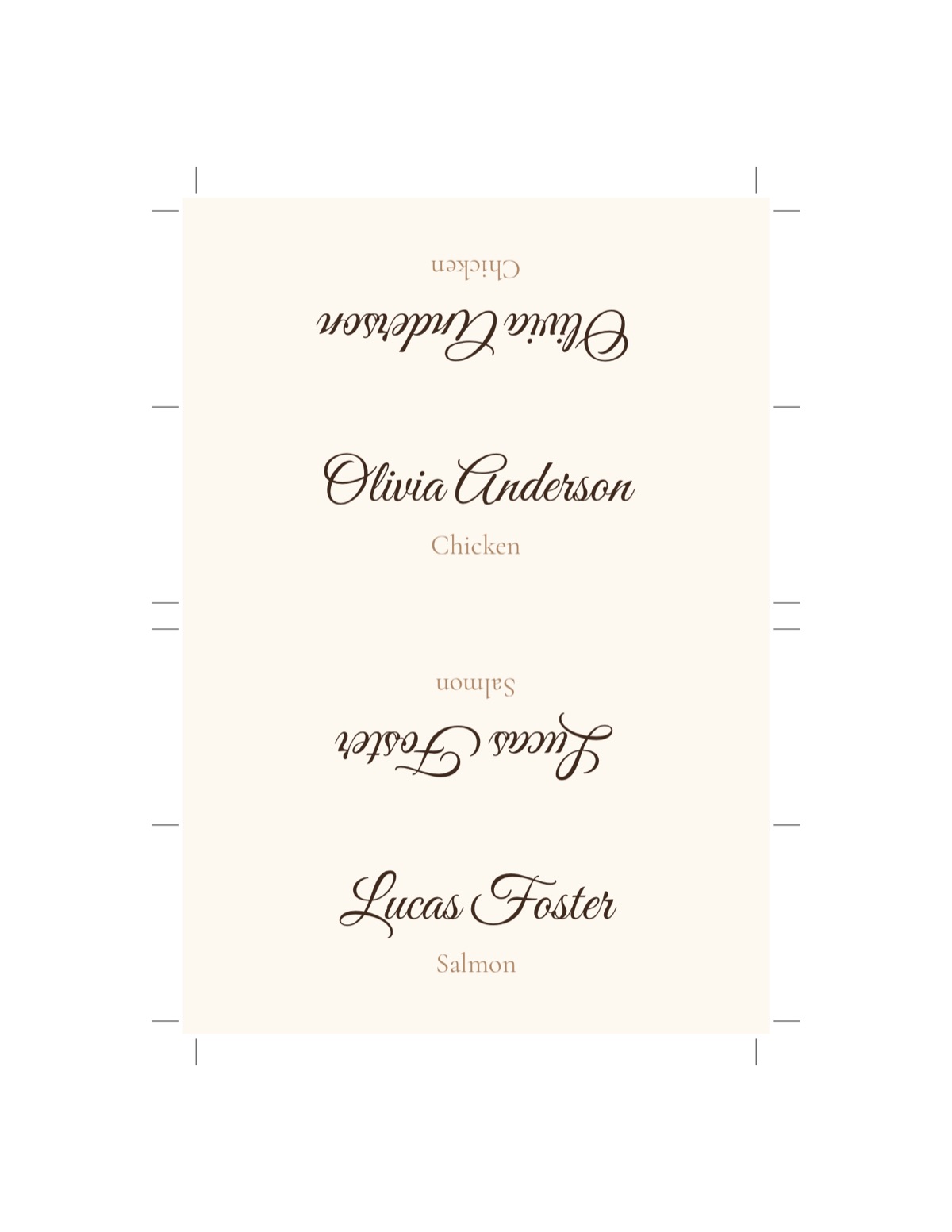
- Print. The PDF puts two folding place cards on each Letter sheet with crop marks. The name is printed upright on both halves, so it reads correctly from either side of the table.
Place cards, escort cards, or both?
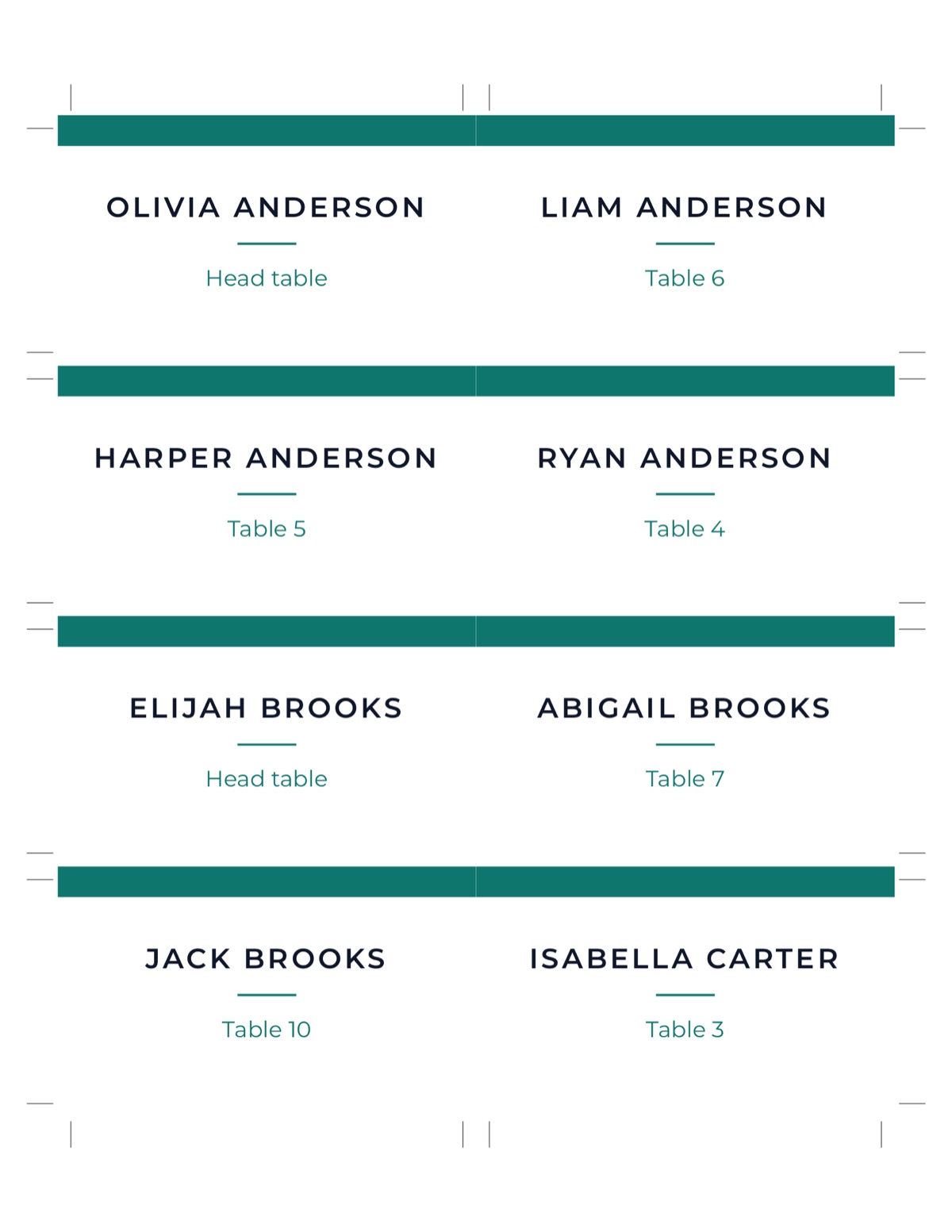
| Escort cards | Place cards | |
|---|---|---|
| Where | One table at the entrance | On each dinner plate |
| Shows | Name + table | Name (+ meal choice) |
| Needed for | Assigning tables | Assigning seats, plated meals |
If you assign tables only, escort cards or a seating chart poster are enough. Add place cards when you assign seats, for a plated dinner with menu choices, or for the head table.
Printing tips
- Use cardstock between 65 and 110 lb (175–300 gsm). Lighter paper won't stand; heavier paper may jam a home printer.
- Print at 100% / Actual size, never “Fit to page”. The cards are laid out to the exact size, with a 3 mm bleed and crop marks.
- Cut along the marks with a paper trimmer, then score the fold line with a ruler and a dull knife before folding.
- Print one test sheet on plain paper first and check the size with a ruler.
What to write on a place card
Keep it to what the guest and the servers need. Some examples that work well:
- Full name (“Olivia Anderson”) for most weddings: no titles, no guessing.
- Formal style (“Mr. and Mrs. Liam Brooks”) only if the rest of your stationery is formal; give each guest their own card even when they're a couple, since they sit in two seats.
- Name + meal (“Olivia Anderson · Salmon”) for plated dinners: servers can place the right plate without asking around the table.
- Children: first name only is friendlier for kids, and the caterer still sees the kids' meal from the menu line.
Common mistakes
- Spelling names from memory. Copy them from the RSVPs, then print once on plain paper and read every card out loud.
- Forgetting the plus-ones. “Guest of Ryan Shaw” on a card feels cold; ask Ryan for a name.
- Cards that don't match the plan. If you move someone after printing, reprint the card and the poster together. Generating both from one list makes this a two-minute job.
- Fonts that are too delicate. A thin script looks lovely in a mock-up and unreadable in candlelight. Check one card at arm's length before printing a hundred.
Matching table numbers
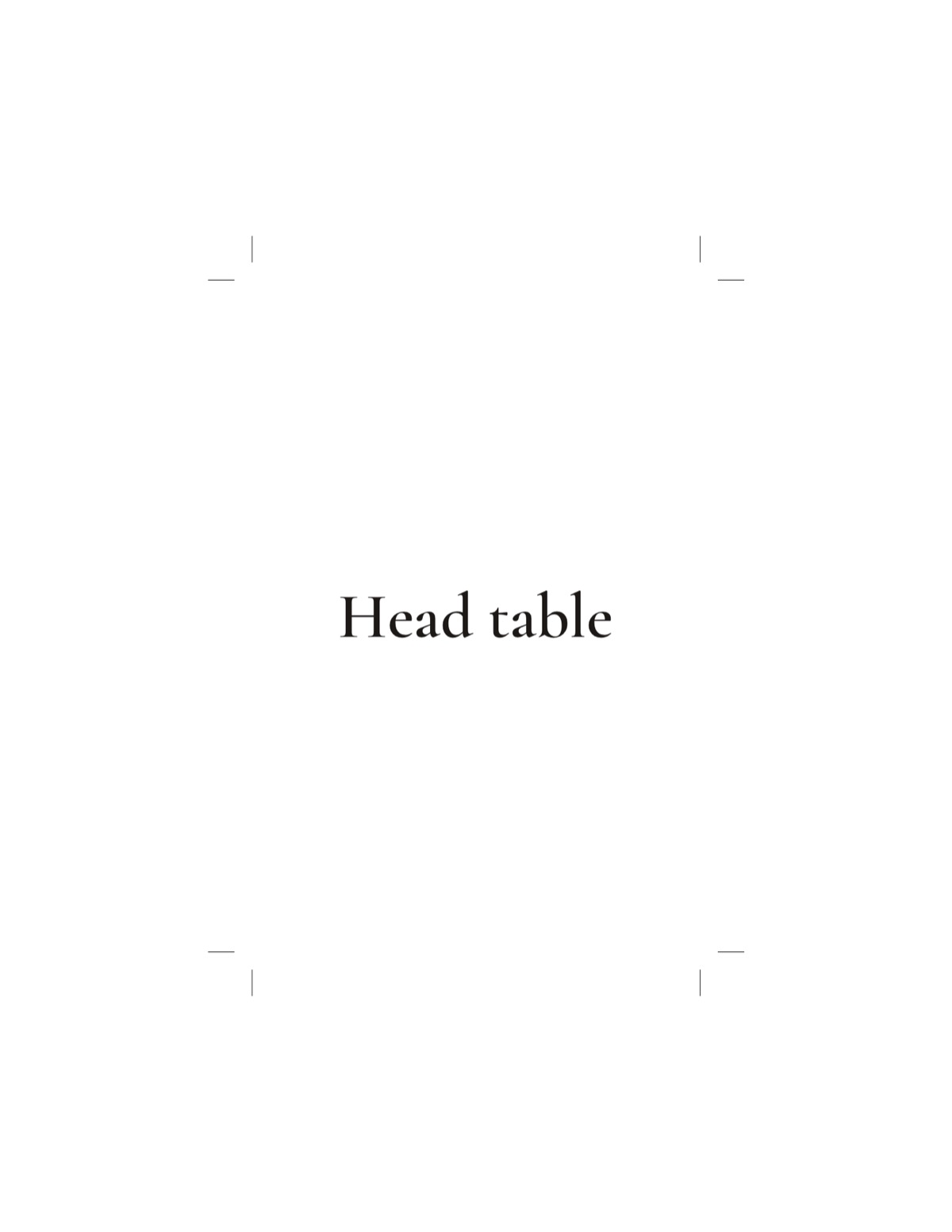
Print table numbers in the same design, 4×6 or 5×7 inches, from the same tables you set up in the floor plan. Head-table cards show its name instead of a number.
Setting the cards out takes longer than people expect. Sort them by table before the day (the PDF is already printed table by table), put each table's cards in an envelope with the table number on it, and hand the envelopes to the venue coordinator with the floor plan.
Seating first, cards second
Place cards only work if the seating is right. If you haven't done it yet, start with our guide on how to make a wedding seating chart, or grab a free seating chart template. The editor and a basic poster are free; cards come with a one-time Event Pass.