Make the seating chart without the spreadsheet chaos
Most couples start their wedding seating chart in a spreadsheet and end it with sticky notes on the dining table. The problem isn't typing names. It's keeping a dozen unwritten rules in your head while you move people around. This wedding seating chart maker writes those rules down and checks them for you every time something changes.
1. Bring in the guest list you already have
Paste names from Excel or Google Sheets, or upload the CSV exported from The Knot or Zola. Columns like first name, last name, party, meal and relationship are matched automatically. Add a group after a name to keep a household together (“Ana Lopez, Lopez family”).
2. Draw your reception room
Choose a layout of round tables with a head table and dance floor, long banquet rows or a mix, then drag tables where the venue puts them. Each table shows its chairs, number and how full it is (“6/8”), so you'll see an overbooked table straight away.
3. Write down the rules
- Sit together: best friends from college, the cousins who only see each other at weddings.
- Keep apart: exes, feuding relatives, the uncle who will start the politics conversation.
- Sit at table: grandparents at table 1, the wedding party at the head table.
Households sit together by default, and children are seated next to their parents.
4. Auto-seat, then make it yours
Press Auto-seat and every guest without a seat gets one in about a second. The algorithm balances tables, groups guests who share a tag and never puts more people at a table than it has chairs. If a rule can't be met (say, the same couple is both “together” and “apart”), you get a plain-English list of what's wrong instead of a silently broken plan.
Then drag guests between tables or onto a specific chair, lock the ones you're sure about, and auto-seat the rest again.
Seating chart or table plan?
They're the same thing. “Wedding table plan” is the British name for the board that tells guests where to sit, and you'll see it on Pinterest and in planning guides next to “seating chart”. Whatever you call it, the job is the same: one list of guests and tables that the poster, the escort cards and the venue's floor plan all come from. Build it once here and print it under whichever title you like.
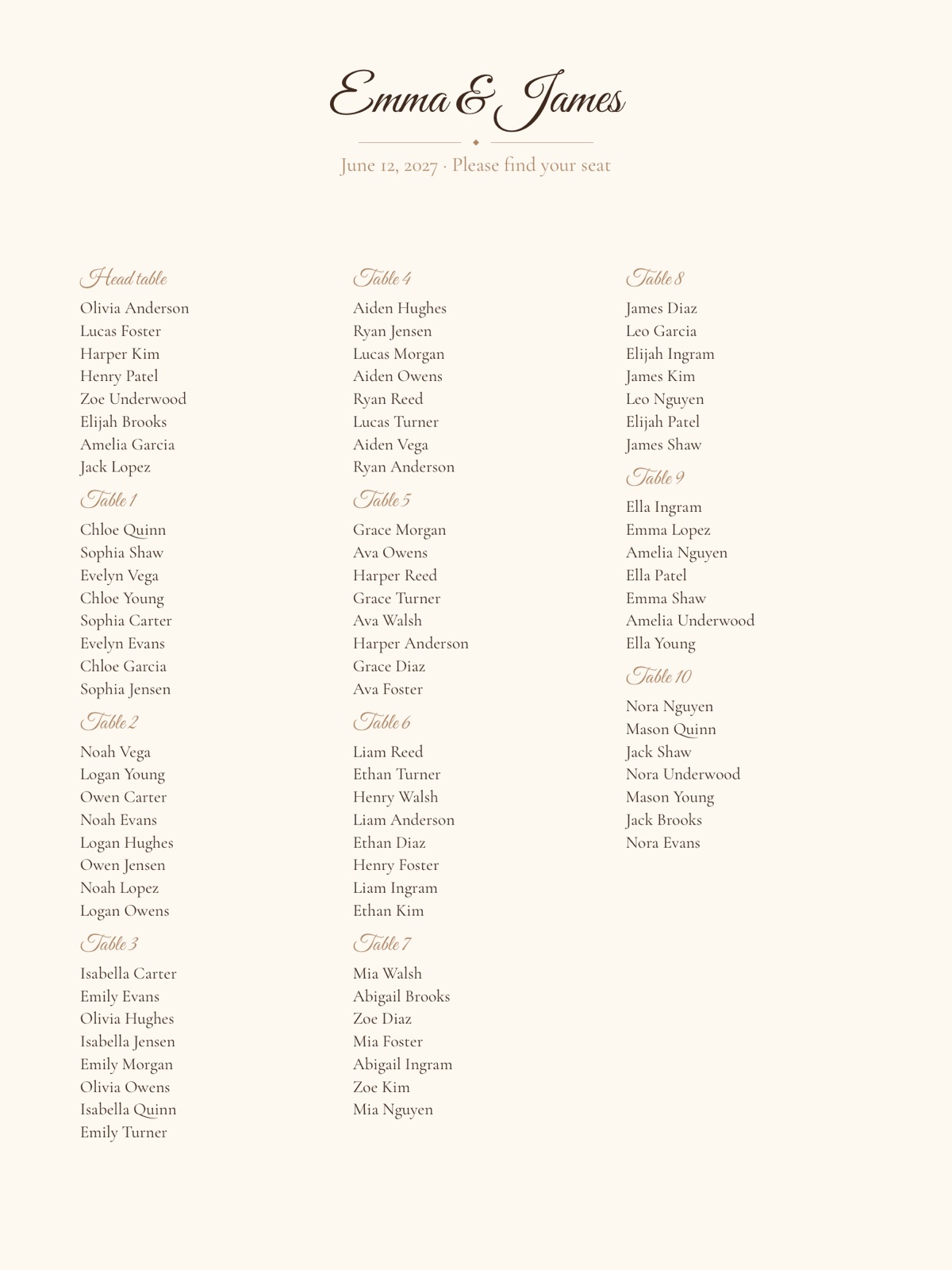
Print-ready materials from the same plan
| Material | US sizes | Good for |
|---|---|---|
| Seating chart poster | 18×24, 24×36 in | The entrance display |
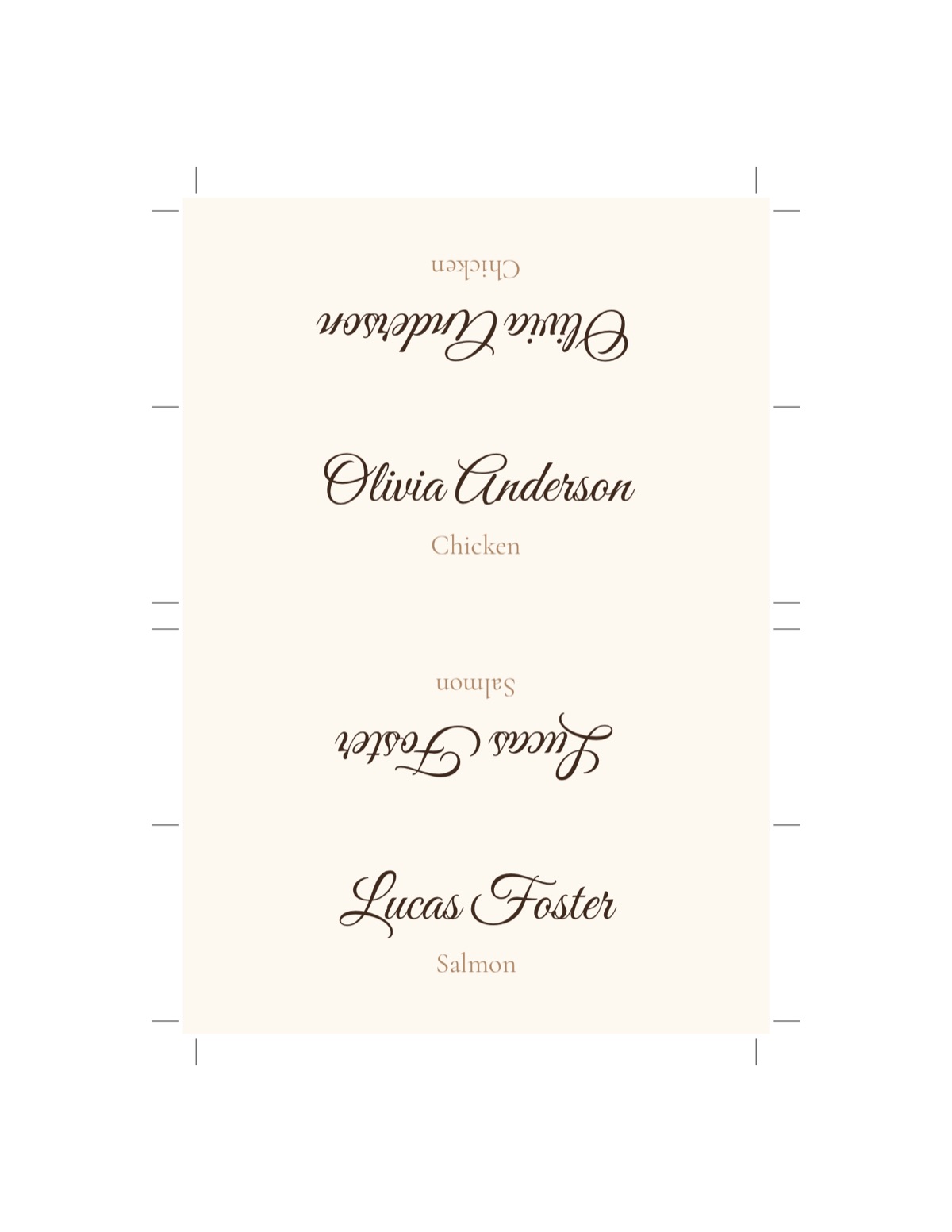
| Escort cards | 3.5×2 in on Letter | Table assignments on a display table |
| Place cards | folded tent cards | Assigned seats and plated meals |
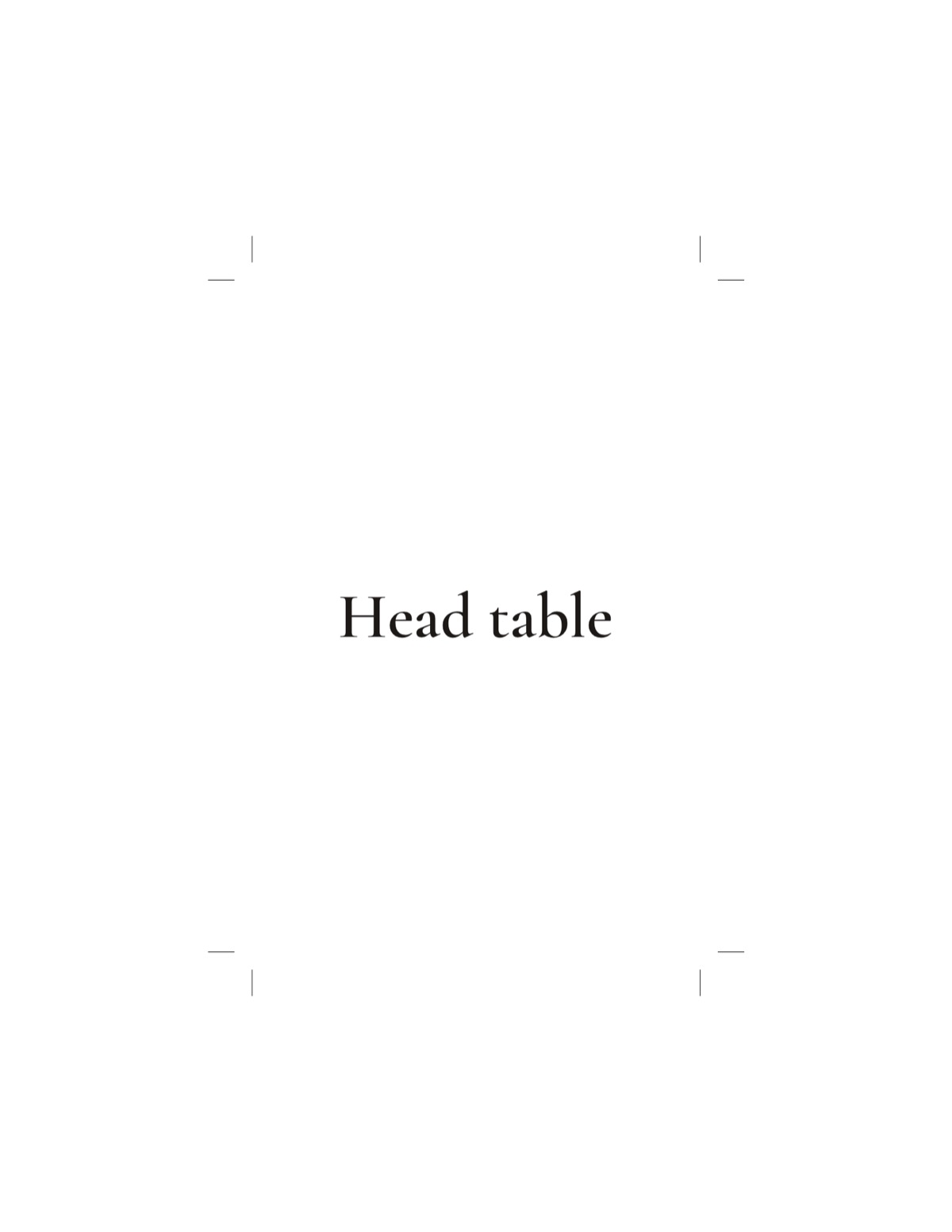
| Table numbers | 4×6, 5×7 in | Every table |
| “Find your seat” QR sign | 8×10, 18×24 in | Guests who'd rather look it up on their phone |
| Floor plan + catering CSV | Letter, Tabloid | Venue coordinator and caterer |
Every file is a vector PDF at exact size, with crop marks on card sheets. Print at 100% (“Actual size”) and the cards come out at the size on the label.
Example: 120 guests in ten minutes
Say you have 120 confirmed guests in 48 households, a head table for the wedding party and the venue's twelve 60-inch rounds. Paste the list with each household's name after a comma. Pick the round-tables layout, set the tables to 10 seats, and add the four rules that matter: the two grandmothers at table 1, the cousins together, the exes apart, the kids with their parents. Auto-seat places everyone, fills each round with 9 or 10 people, and keeps the college friends together because they share a tag. You spend the rest of the time on the part only you can do: deciding whether Aunt Linda would rather sit with the neighbors or the book club.
Common mistakes to avoid
- Seating by obligation instead of conversation. Put people together who will enjoy talking, not just people who are related.
- Forgetting the sightlines. Older relatives want to see the head table and the first dance, not the speaker stack.
- Leaving the plan until the night before. Late RSVPs happen; a tool that re-seats in a second makes them a non-event.
- Printing too early. Download the final PDFs after the last RSVP date.
Want the full walkthrough? Read how to make a wedding seating chart, download a free seating chart template, or make wedding place cards from the same guest list.