Free seating chart templates
Some people want a pen-and-paper start, some want the computer to do the work. Here are both.
1. Guest list template (Excel, Google Sheets, CSV)
Download the guest list template (CSV)Columns: First Name, Last Name, Group, Tags, Meal, Child, Notes. Use “Group” for anyone who must sit together (a family, a couple) and “Tags” for the circles people belong to (“College friends”, “Work”). Those two columns are what make seating easy later, whichever method you use.
A filled-in row looks like this: Mia · Anderson · Anderson family · Bride family · Kids menu · yes · High chair. That one line tells you who she sits with, which side of the family she's on, what the kitchen should cook and what the venue needs to bring to the table.
2. Printable blank floor plan (PDF)
Download the blank seating chart template (PDF)A head table and ten round tables of eight with empty chairs, Letter size, to fill in with a pencil. It's handy for a first sketch with your partner or for a quick talk with the venue.
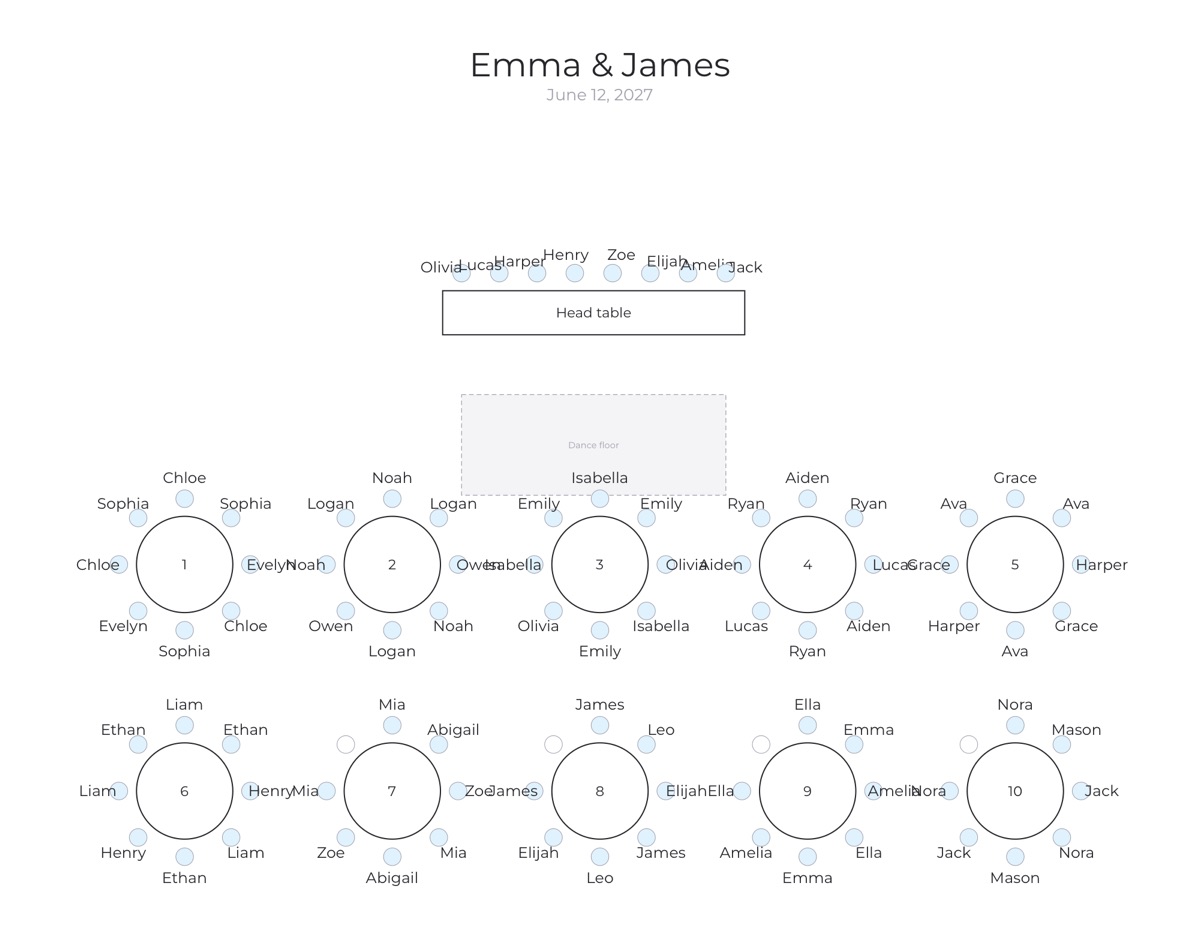
How to fill in a seating chart template
- Write down the fixed points first. Head table, grandparents, guests with mobility needs near the exit, kids with their parents.
- Group by household, then by circle. Families first, then friends who know each other.
- Fill the tables in rounds. Put one “anchor” group on every table before you add the next guest anywhere. This keeps tables balanced.
- Check the conflicts last. Read every table once and ask: is anyone here alone? Is anyone here with someone they'd rather avoid?
- Leave the plan open. Late RSVPs will move people around. Pencil helps here.
Which layout fits your event?
- Wedding, 60–200 guests: a head table (or sweetheart table) plus rounds of 8 or 10. Keep the dance floor in the middle and the head table where everyone can see it.
- Formal dinner or gala: long banquet rows. People talk across the table, so seat couples opposite each other rather than side by side.
- Birthday or anniversary party: fewer, larger tables. Put the guest of honor's closest friends at the table nearest the speeches.
- Rehearsal dinner: one or two long tables. Seat the couple in the middle so both families can talk to them, and mix the two sides along the table.
Common template mistakes
- One column for the whole name. Sorting a poster by last name needs first and last names in separate columns. The template already splits them.
- No “group” column. Without it you can't see at a glance who must stay together, and couples get split by accident.
- Counting chairs, not people. Children in high chairs, a wheelchair space, a vendor meal for the photographer: write them down as rows too, so the numbers match what the venue sets.
- Several versions in your inbox. Keep one master list. If you use the online editor, the list, the floor plan and every printout come from the same place.
Or let the template fill itself in
The online seating chart maker uses the same idea, but faster: paste the template's rows, draw the room, add “together” and “apart” rules, and press Auto-seat. Every guest is placed in about a second, balanced across tables, and anything that can't work is explained. You can still drag people around by hand afterwards.
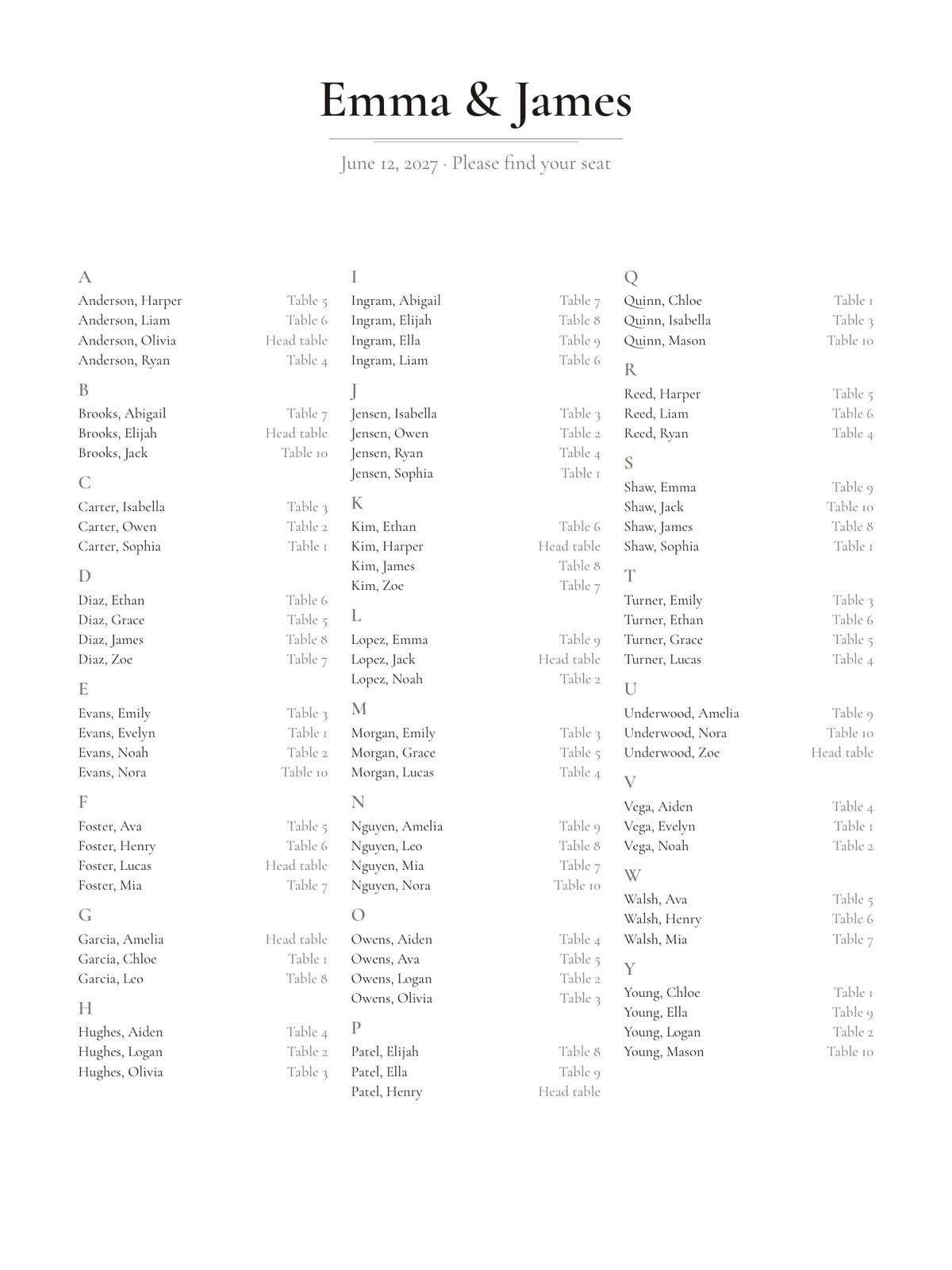
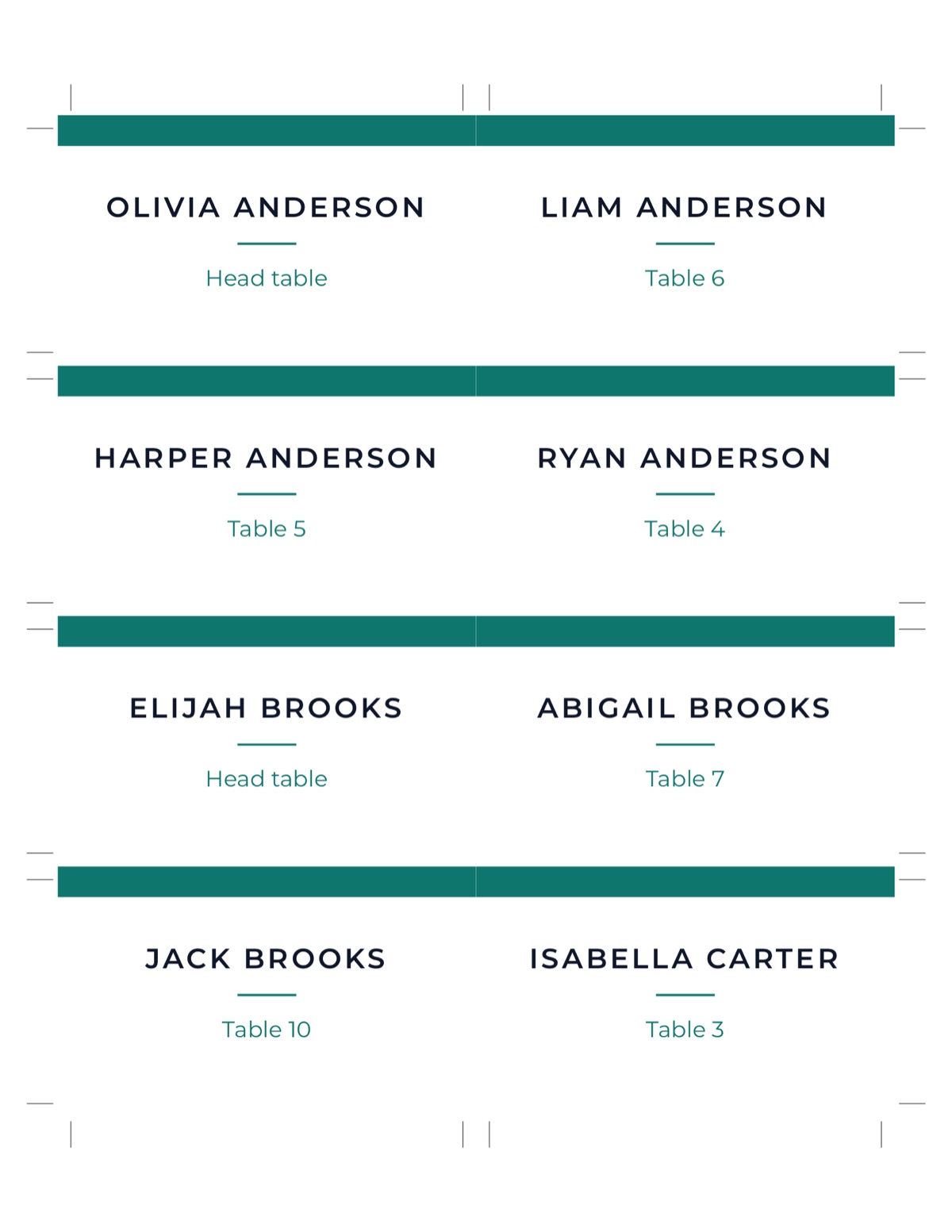
When you're happy, print a poster in 18×24 or 24×36 inches, escort cards, place cards and table numbers, all from the same list. The editor, auto-seat and a basic poster PDF are free.
Planning a wedding? See wedding seating charts or the step-by-step guide on how to make a wedding seating chart.